STEP 1
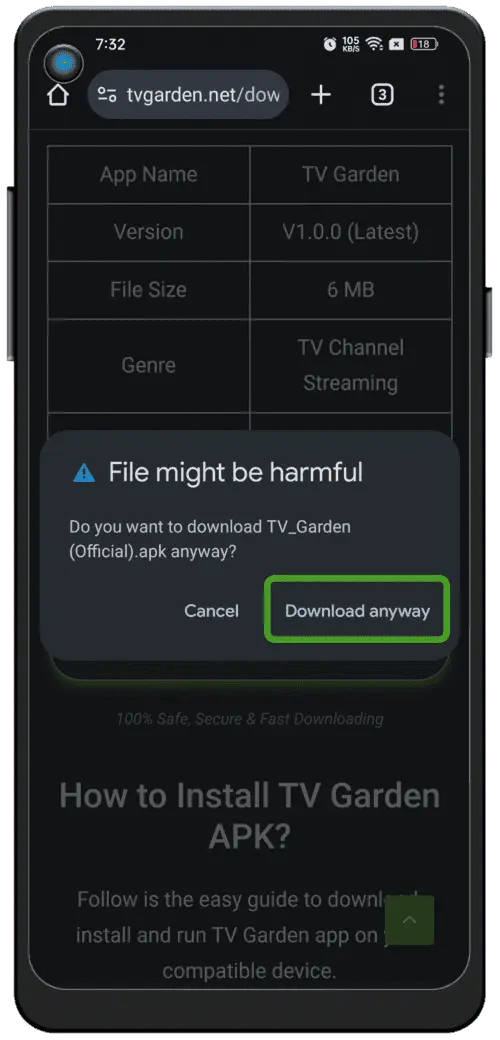
Continue the download
Tap Download anyway when the browser asks for confirmation.
 WatchPRTV
Follow these steps to download, install and set up WatchPRTV on your Android device.
Tap Download anyway when the browser asks for confirmation.
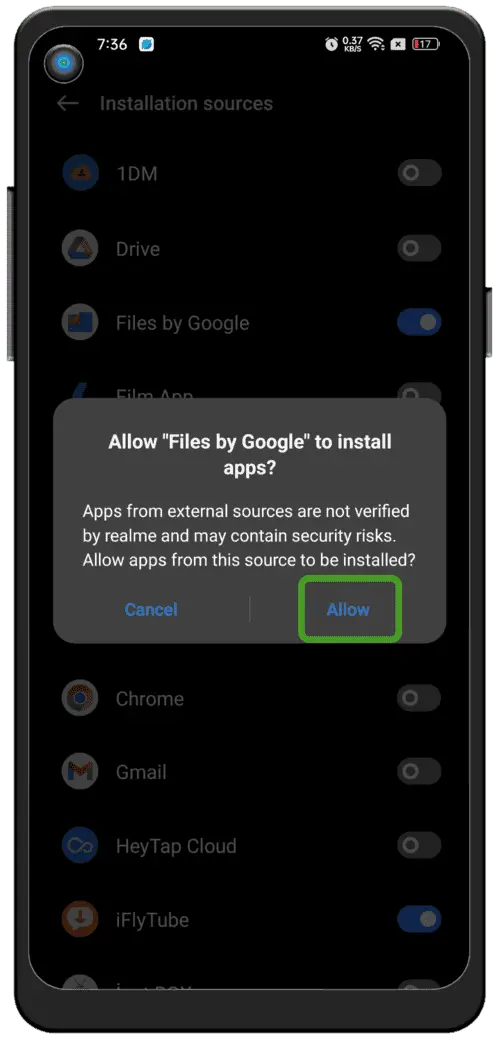
Allow this browser or the Files app to install APKs.
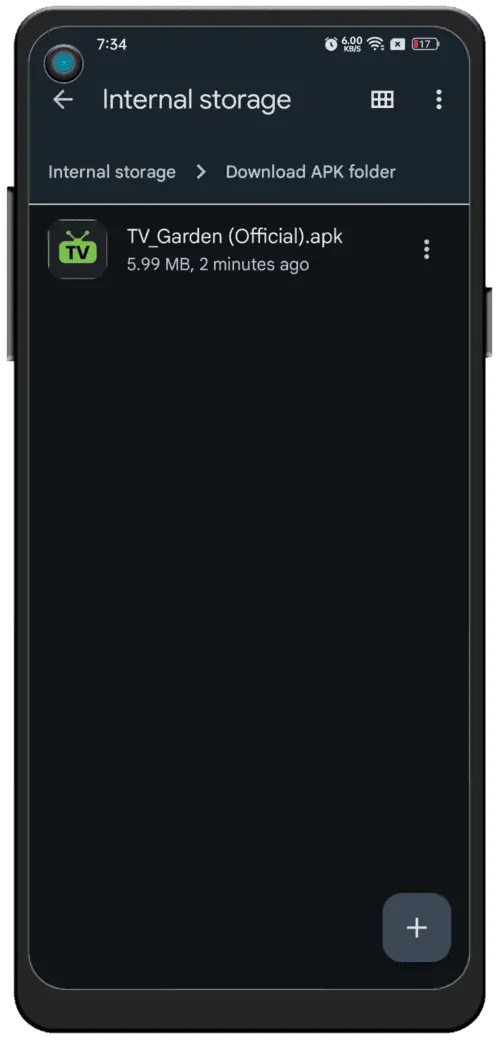
Open the downloaded APK and tap Install.
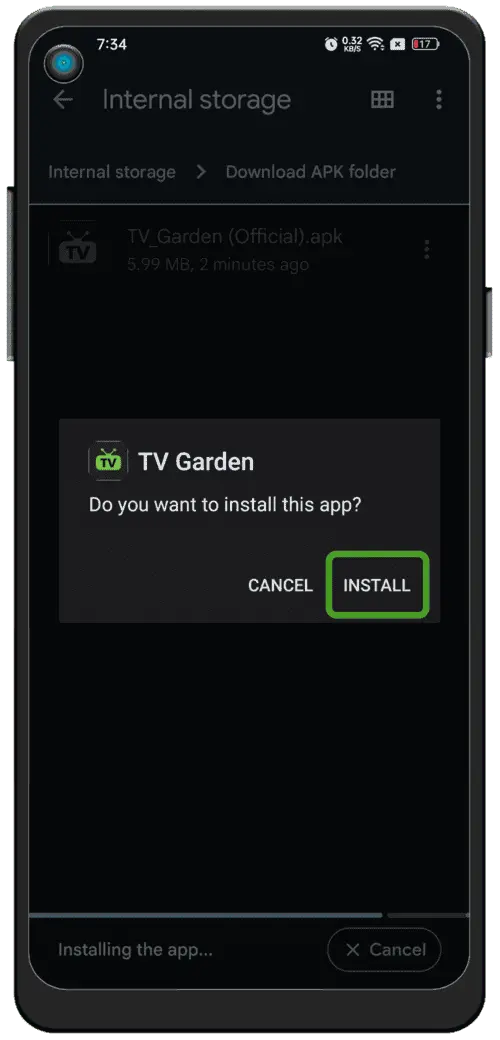
When the installation finishes, open WatchPRTV and start enjoying.
Tap the green button. The APK will be saved to your phone.
When prompted, allow this browser to install unknown apps.
Find the APK in Downloads, tap Install and open WatchPRTV.